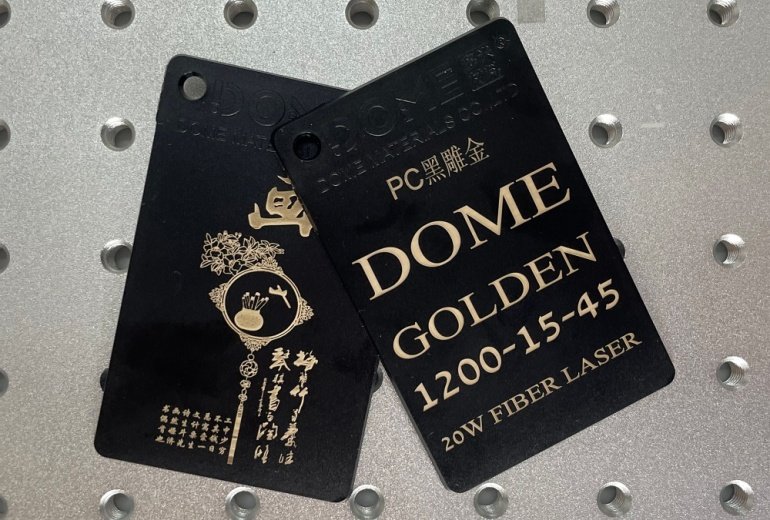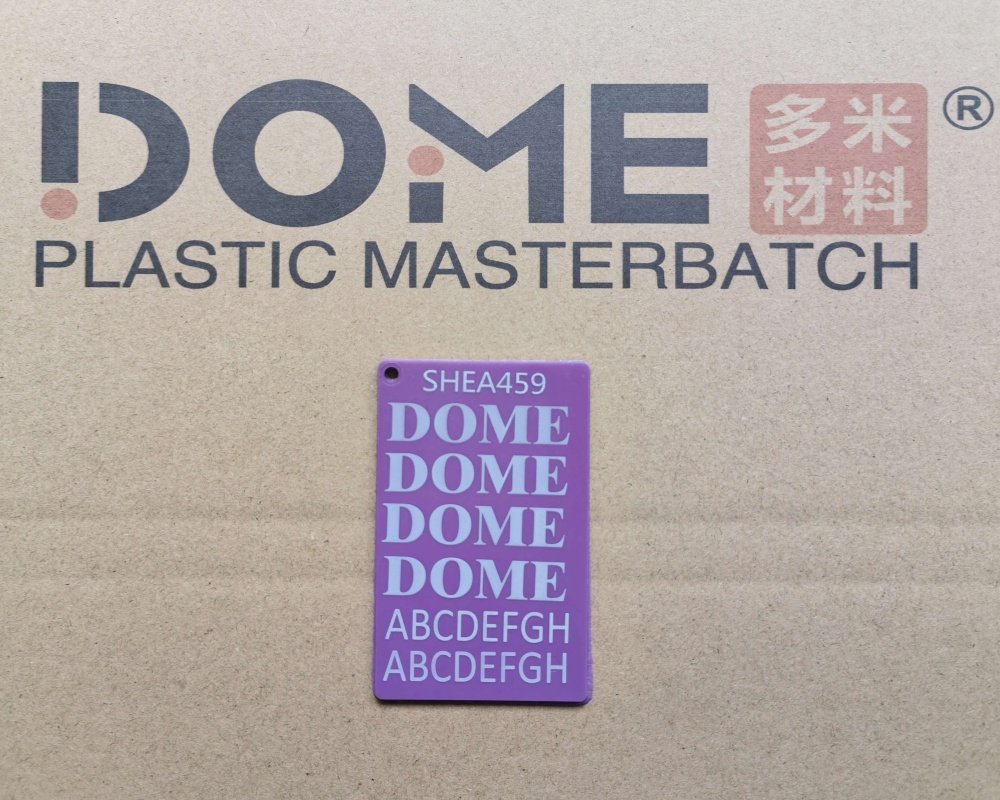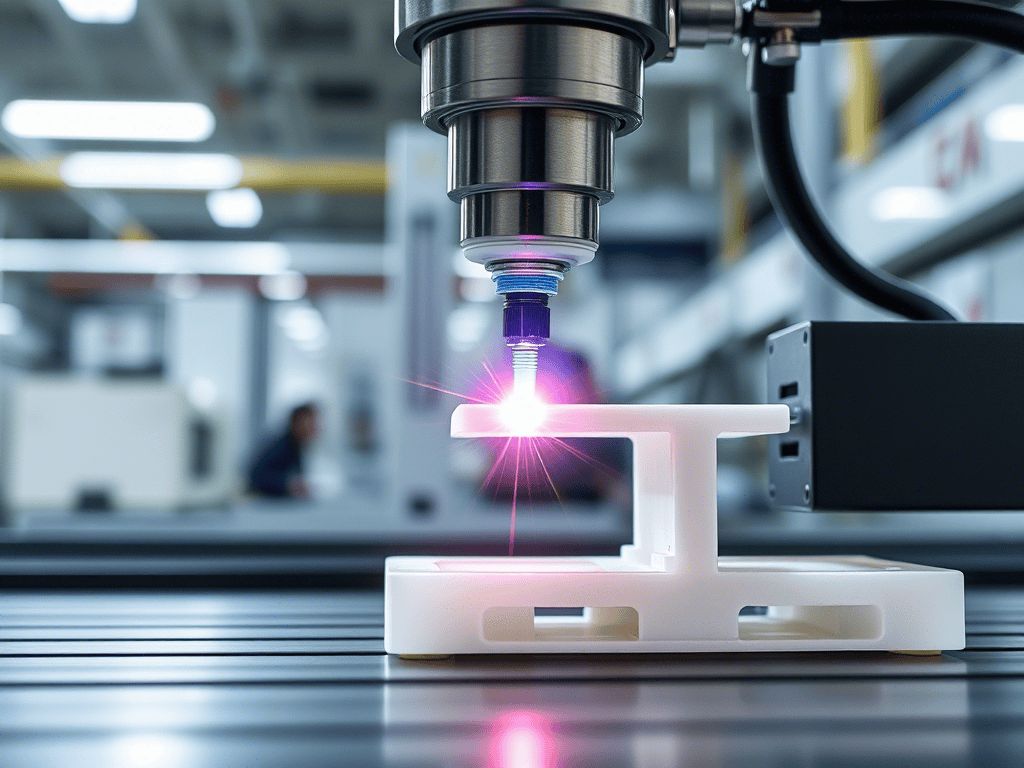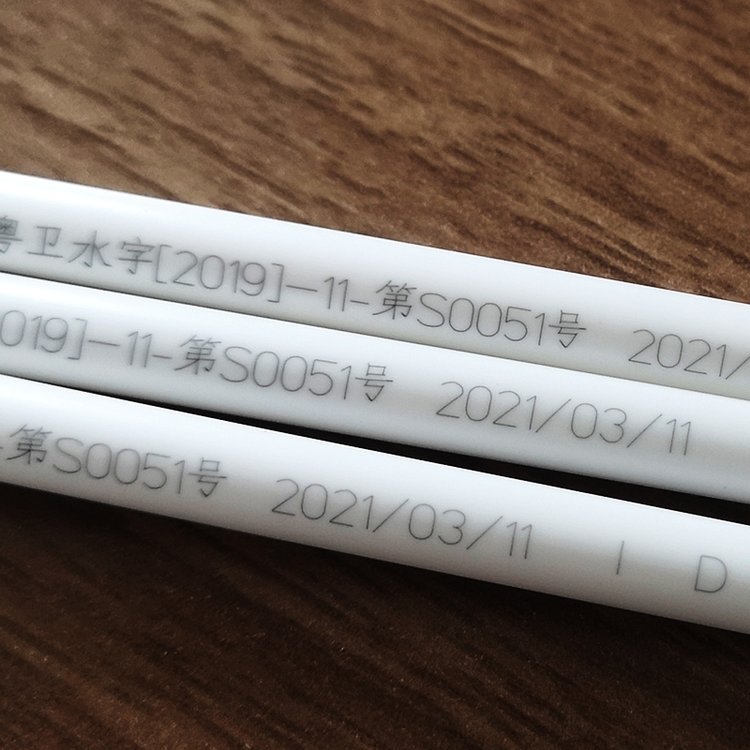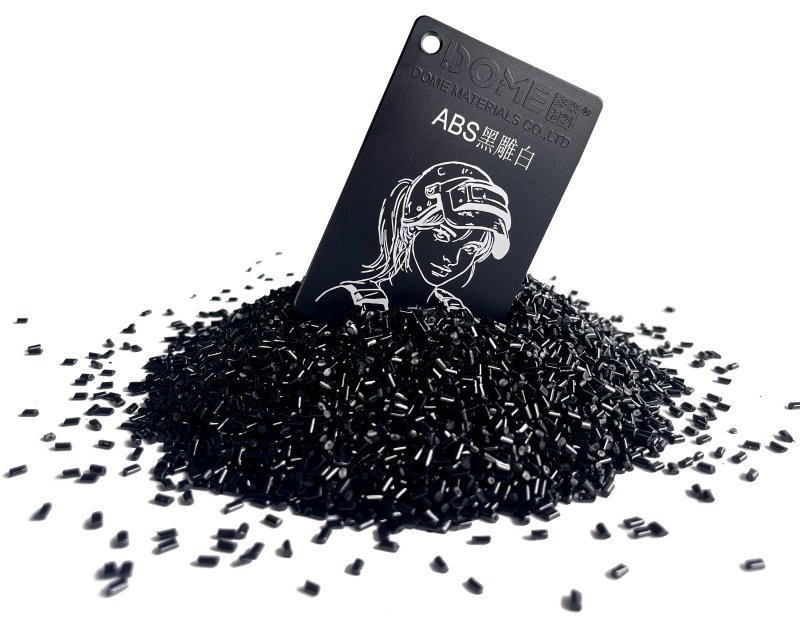
PC (Polycarbonate) is a premium engineering plastic widely used in electronic components, optical devices, automotive parts, medical equipment, and consumer electronics due to its exceptional transparency, impact strength, and heat resistance. However, many manufacturers face persistent challenges with PC laser marking, including scorching, yellowing, blackening, blurry edges, bubbling, and silver streaks that ruin product appearance and lower yield rates.
The big question is: Can PC plastic be laser marked effectively? Yes — it absolutely can. With the right laser systems, optimized parameters, and specialized additives, you can achieve high-contrast, clean, and durable marks without burning or yellowing. This 2026 practical guide shares field-tested solutions for defect-free PC laser marking.
Why PC Laser Marking Often Burns or Yellows
PC is highly heat-sensitive. Its decomposition temperature starts around 340°C, making it vulnerable to localized heat buildup during laser processing. Common causes include:
- Material Sensitivity: PC’s narrow thermal processing window means excess heat causes rapid degradation, carbonization, and yellowing.
- Improper Laser Parameters: High power combined with low speed leads to excessive heat accumulation.
- Wrong Laser Type: Traditional high-power CO₂ lasers deliver strong thermal effects that easily scorch PC without proper additives.
- Incompatible Additives: Using masterbatches with PE carriers causes poor dispersion, uneven marking, and localized burning due to incompatibility with PC’s high processing temperatures.
Best Laser Systems for PC Marking (2026 Recommendations)
For reliable results on PC, choose the right laser technology:
- Fiber Laser (Recommended for most applications): Excellent stability, good contrast, and controllable heat. Ideal for black, white, and colored PC.
- UV Laser (Best for high-precision and transparent PC): True “cold processing” with minimal heat-affected zones, perfect for optical parts and delicate components.
- Avoid: High-power CO₂ lasers for PC unless using high-performance additives, as they often cause burning and deformation.
Optimal Laser Parameters to Prevent Burning
Proper parameter tuning is critical to disperse heat and avoid scorching:
- Power: 30%–50% (lower power prevents instant overheating)
- Speed: 2000–4000 mm/s (high speed shortens beam dwell time)
- Mode: Pulse mode instead of continuous wave
- Filling Strategy: 2–3 light passes rather than one heavy pass for uniform, burn-free results
PC Laser Marking Masterbatch & Powder – The Most Effective Solution
Adjusting parameters alone often compromises marking quality or efficiency. The most reliable approach is using PC-specific laser marking additives.
DOME Materials offers advanced solutions engineered for PC:
- Excellent heat resistance up to 800°C (powder) and superior compatibility with PC’s high molding temperatures.
- Significantly improves laser absorption, allowing lower power settings while delivering sharp, high-contrast marks.
- Minimal impact on material properties and transparency.
Recommended Additives:
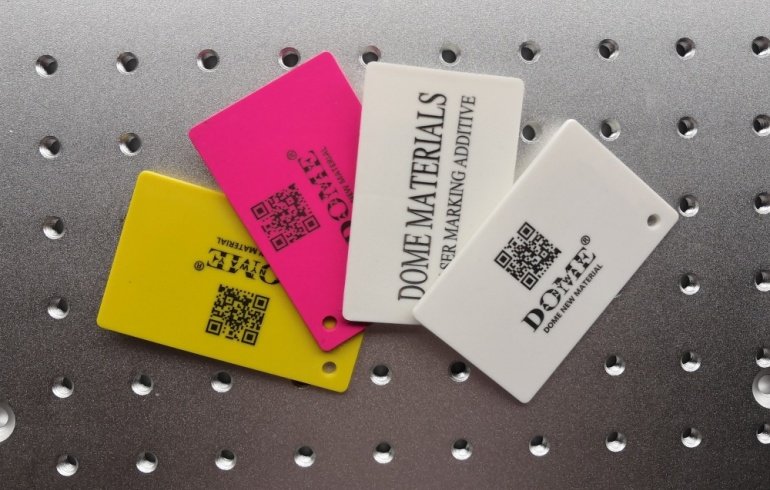
- For White / Colored PC (Black Marking): DOME DM-PW0026 or DM-PW0036 laser marking powder + Fiber Laser
- For Black PC (White Marking): DM-GB0081 PC masterbatch or DM-PB0037 powder + Fiber/UV Laser
- For Transparent PC (Black Marking): DM-GB0030 masterbatch + UV/Fiber Laser
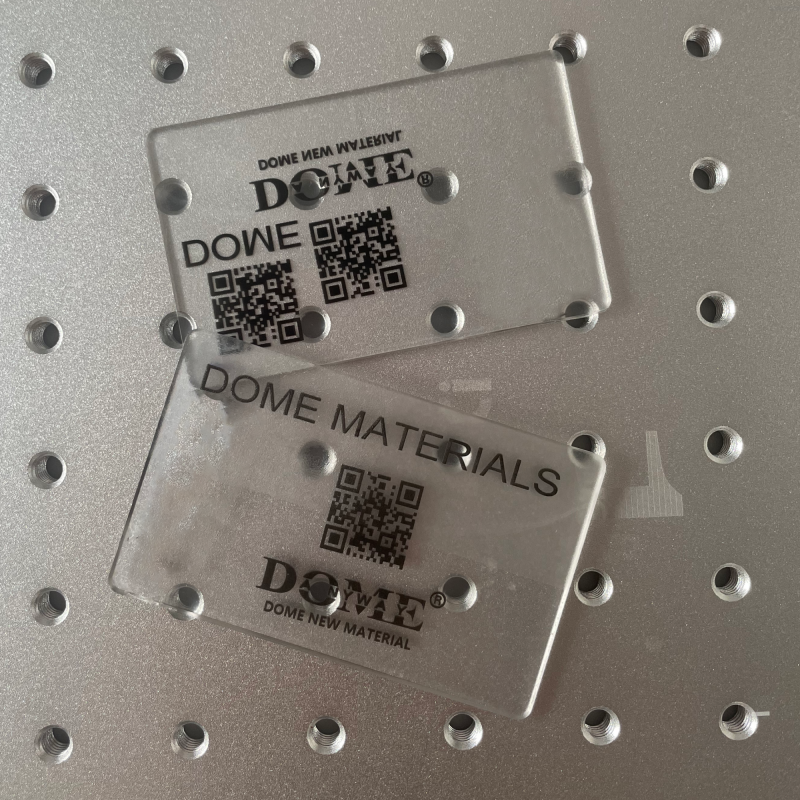
These additives create clean marks with no yellowing, no scorching, and excellent edge definition.
2026 Updated PC Injection Molding Parameters (Critical for Laser Marking Success)
Poor molding quality directly affects laser marking results. Follow these proven settings:
Barrel Temperature (Rear to Front):
- Rear: 250–270°C
- Middle: 270–290°C
- Front: 280–300°C
- Nozzle: 280–305°C
Melt Temperature: 280–320°C (depending on grade — never exceed 340°C)
Mold Temperature:
- Standard parts: 80–100°C
- Thin-wall or optical parts: 95–120°C
Drying: 110–120°C for 4–6 hours (moisture < 0.02%) — essential to prevent hydrolysis, silver streaks, and marking defects.
Application-Specific Solutions
- Transparent PC: Use UV laser + DM-GB0030 for clear black marks without affecting light transmission.
- White/Colored PC: Laser powder with Fiber laser for deep black, high-contrast logos.
- Black PC: Specialized white-marking additives for clean, non-gray results.
FAQ: Common PC Laser Marking Questions
Q1: How to avoid burning on PC during laser marking?
Use low power (30-50%), high speed (2000-4000mm/s), pulse mode, multiple light passes, and PC-compatible laser masterbatch or powder.
Q2: Can standard laser additives work on PC?
No. PE-based additives often cause incompatibility issues. Always use PC-specific formulations like those from DOME Materials.
Q3: Fiber vs UV vs CO₂ for PC?
UV offers the least heat damage; fiber provides great versatility, while CO₂ is riskier without strong additives.
Conclusion
PC plastic can be laser marked successfully and beautifully when you combine the right equipment, precise parameters, proper molding conditions, and high-performance additives. By switching to Fiber or UV lasers, adopting low-energy multi-pass strategies, and using dedicated PC laser marking masterbatch or powder from DOME Materials, manufacturers can eliminate scorching and yellowing while achieving premium marking quality.
Implementing these 2026 best practices will help you boost yield rates, improve product aesthetics, and meet the strict requirements of electronics, optics, and high-end consumer goods markets.
For optimal results, always conduct small-batch validation trials with your specific PC grade and consult additive suppliers for custom formulations.
Keywords: PC plastic laser marking, burn-free PC laser marking, PC laser marking masterbatch, PC laser marking powder, PC injection molding parameters, fiber laser marking PC, UV laser marking polycarbonate.